Is TabToTask the same as Chrome tab groups?
No. Browser tab groups are manual containers in the tab strip. TabToTask creates task cards that help you find, adjust, close, and restore related pages without silently rearranging real tabs.
TabToTask tab management guide
A long tab bar hides the work behind it. TabToTask turns related browser tabs into task cards, so you can find one page quickly or reopen the whole task when you return.
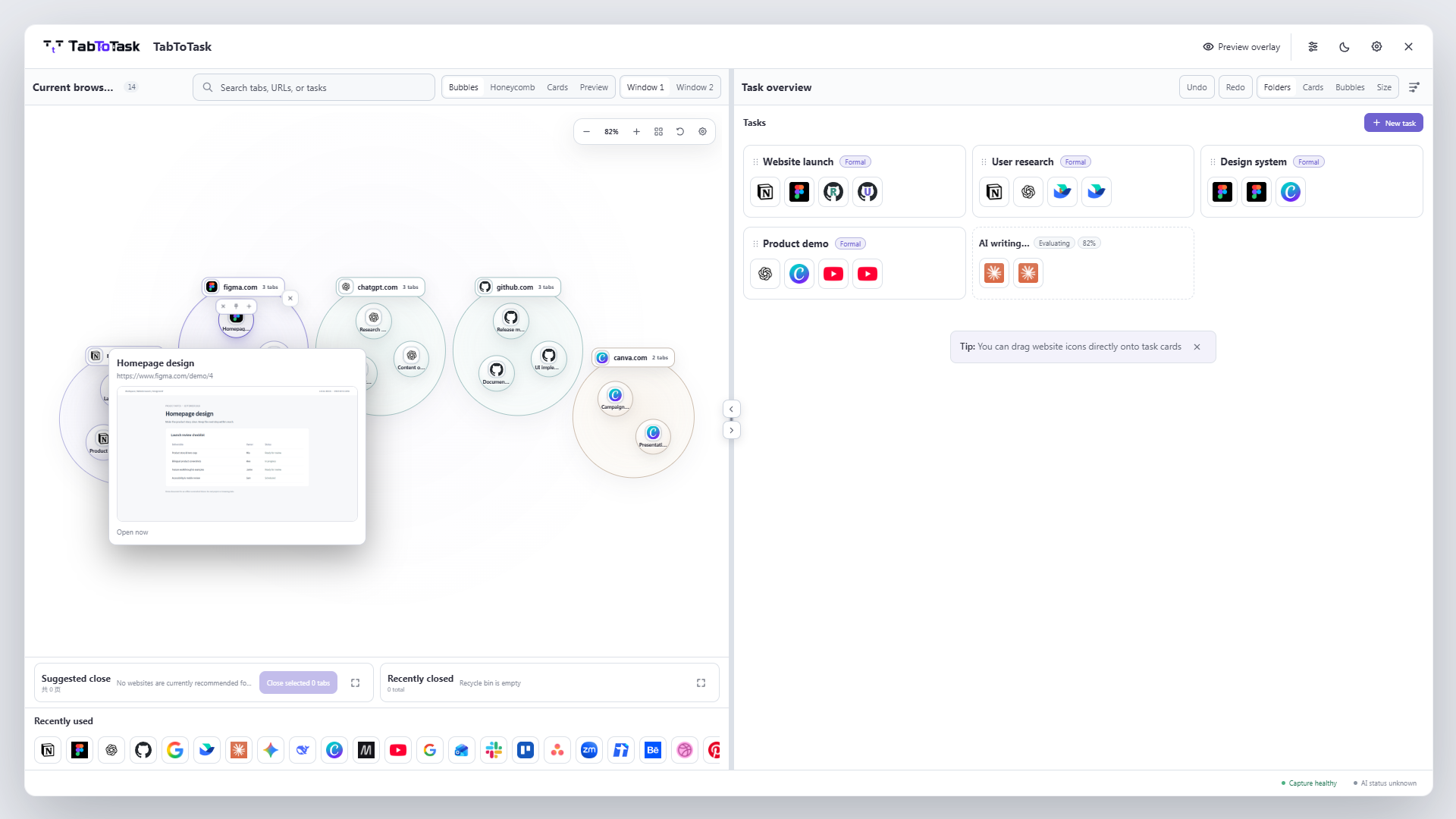
Browser tabs are arranged by opening order, but people remember work by purpose: a client delivery, a research question, a trip, or a purchase. Once several tasks share one window, scanning titles and favicons becomes slow and unreliable.
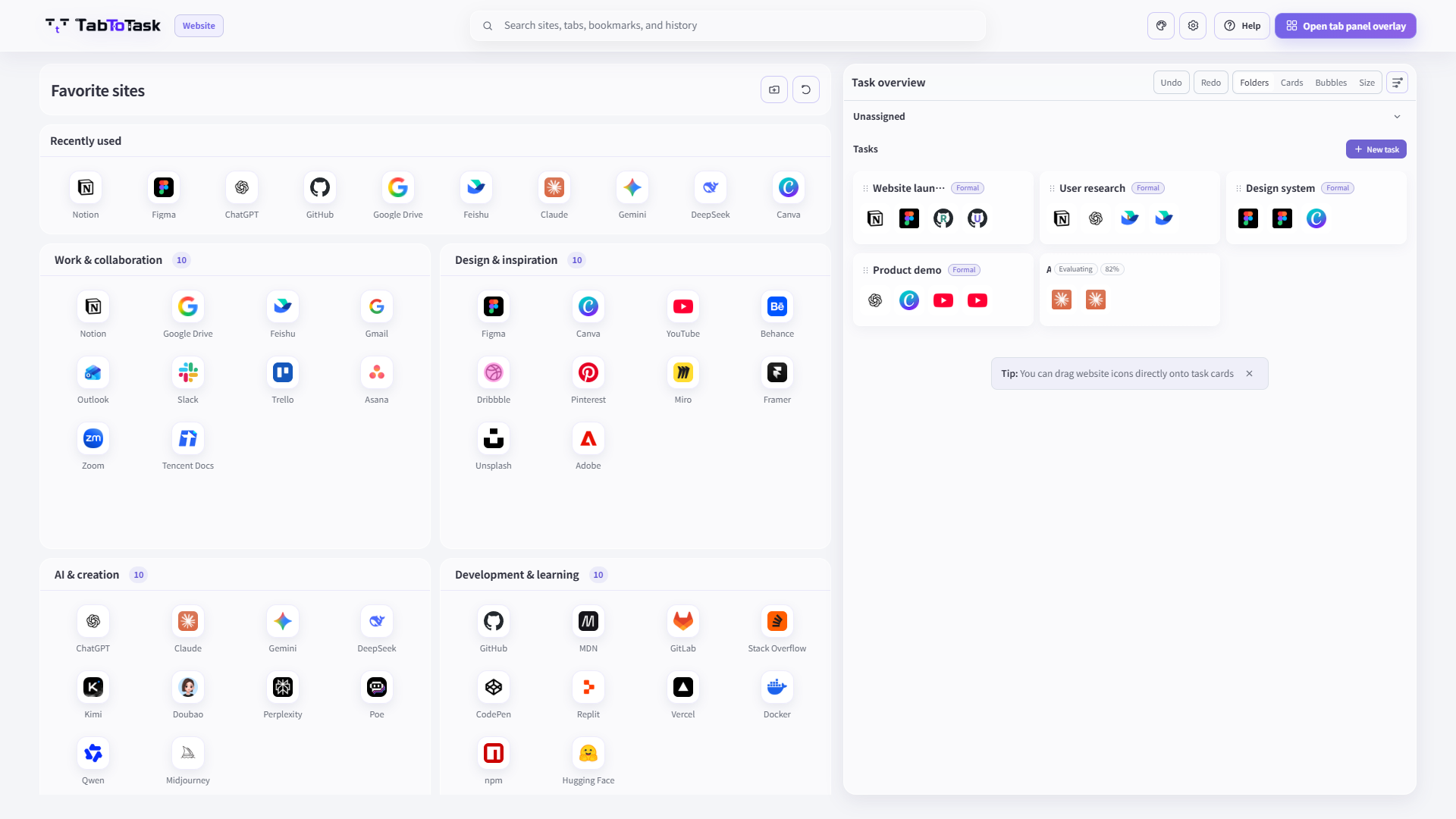
Related pages appear together in a named task card instead of remaining one undifferentiated row.
Start from the task you remember, then choose the page. You no longer need to inspect every open tab.
A task card keeps the set together, so you can reopen all of its pages when you are ready to continue.
How the product carries this work
TabToTask keeps the current browser context visible, then gives you a calmer place to decide what to open, keep, or continue next.
No. Browser tab groups are manual containers in the tab strip. TabToTask creates task cards that help you find, adjust, close, and restore related pages without silently rearranging real tabs.
Yes. The workspace is designed to show tabs and tasks across browser windows.
No. Closing, restoring, or changing real tabs requires an explicit user action.
Find one page faster, or resume the whole task in one step.