How many tabs is too many?
The threshold is different for everyone. If tab titles collapse, you repeatedly scan the strip, or you keep windows open only to preserve a project, task-based organization can help.
TabToTask tab management guide
When your Chrome window becomes a row of tiny favicons, adding another folder is not enough. TabToTask organizes open tabs around the work they belong to.
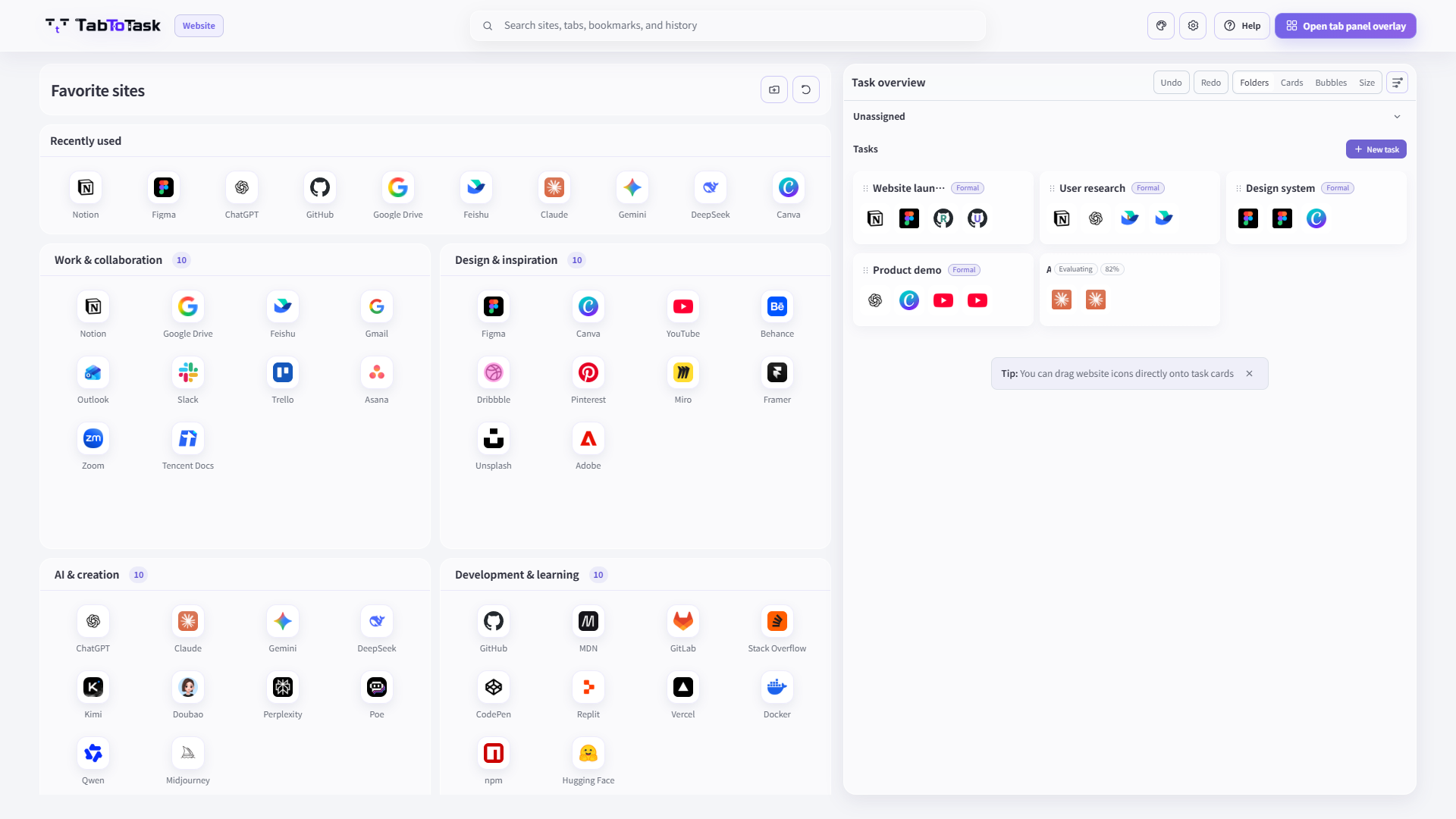
Research, communication, planning, and production tabs often stay open at the same time. The important question is not only which site is open, but which task that page belongs to and whether you need the whole set again.
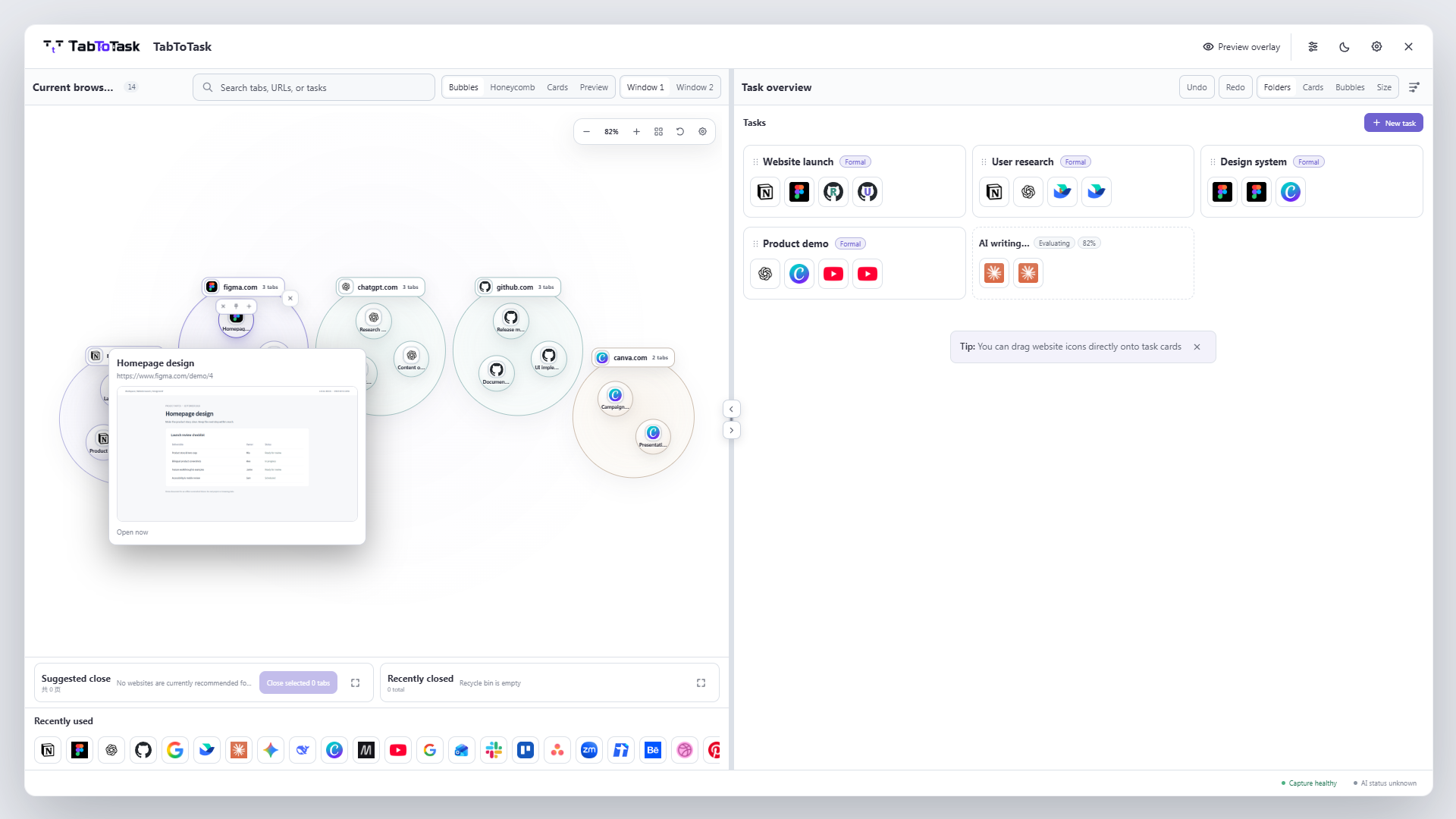
See current browser tabs and the tasks they form in one workspace.
If a page belongs elsewhere, move it to the right task card. The organization remains understandable and adjustable.
Review pages you no longer need, close only after confirmation, and restore mistakes from the recycle bin.
How the product carries this work
TabToTask keeps the current browser context visible, then gives you a calmer place to decide what to open, keep, or continue next.
The threshold is different for everyone. If tab titles collapse, you repeatedly scan the strip, or you keep windows open only to preserve a project, task-based organization can help.
Yes. Core organization and management are local-first, and optional AI can be turned off.
No. It uses a new-tab workspace but does not replace your browser homepage, default search engine, or address-bar behavior.
Find one page faster, or resume the whole task in one step.