Should tasks match browser windows?
Not necessarily. A task is a unit of work, while a window is only a browser container. Several tasks can share a window and one task can involve pages from several windows.
TabToTask tab management guide
Organizing tabs by website is useful for a few pages. Organizing by task is better when one piece of work spans email, docs, research, design, and tools.
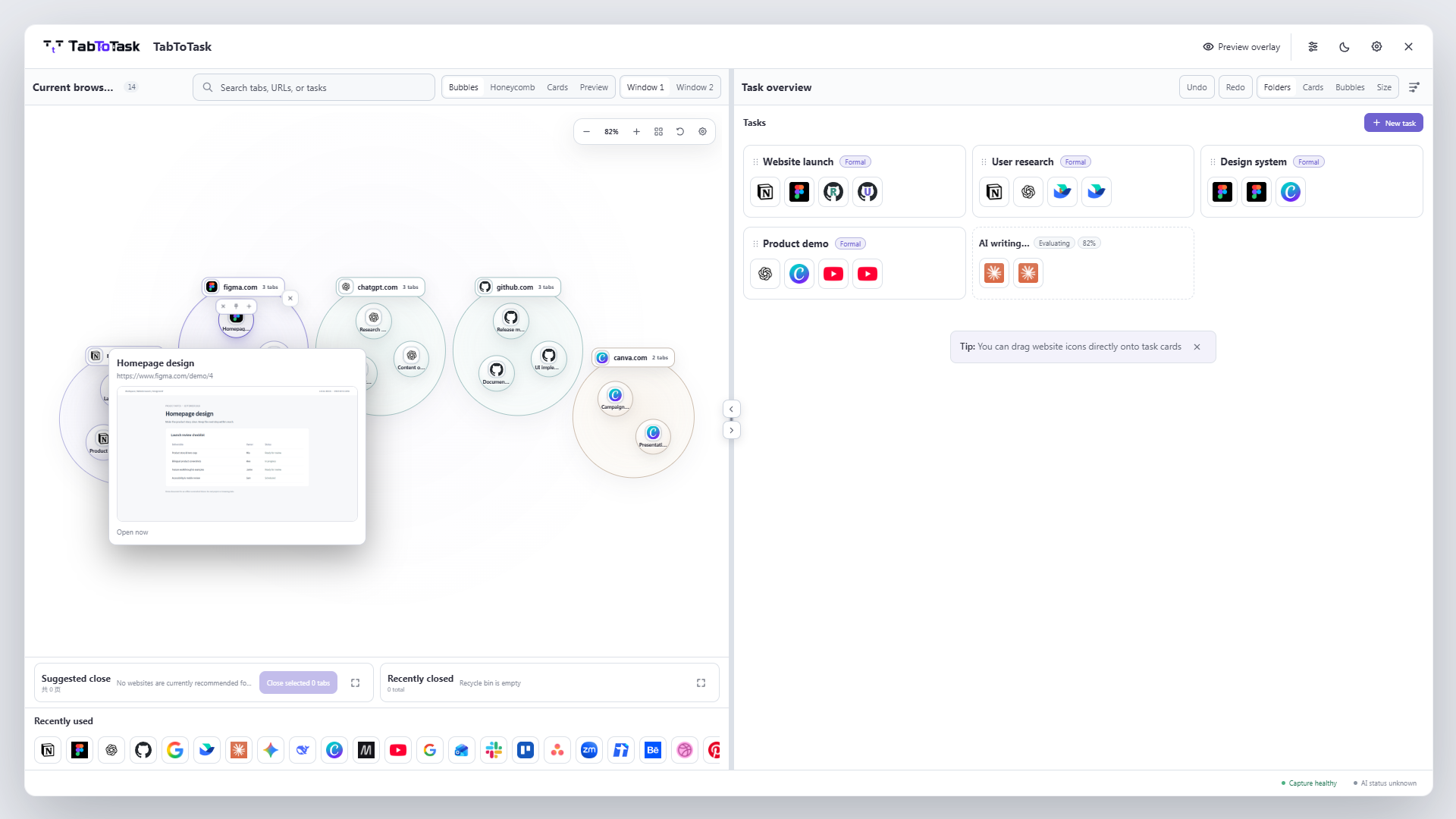
Give each active outcome one task card, keep only the pages that help complete it, and separate “find one page” from “resume the full task.” This makes the system useful both during work and after a break.
Use a concrete task name such as “Client delivery” or “Japan trip,” not a vague category such as “Work.”
Place email, documents, research, and tools for that outcome in the same task card.
Close a finished or paused set when appropriate, then reopen the whole task instead of rebuilding it page by page.
How the product carries this work
TabToTask keeps the current browser context visible, then gives you a calmer place to decide what to open, keep, or continue next.
Not necessarily. A task is a unit of work, while a window is only a browser container. Several tasks can share a window and one task can involve pages from several windows.
Choose the task where you will act on it next, or duplicate the reference intentionally if both tasks genuinely need it.
Yes. Task cards can be renamed and pages can be moved whenever the automatic result is not right.
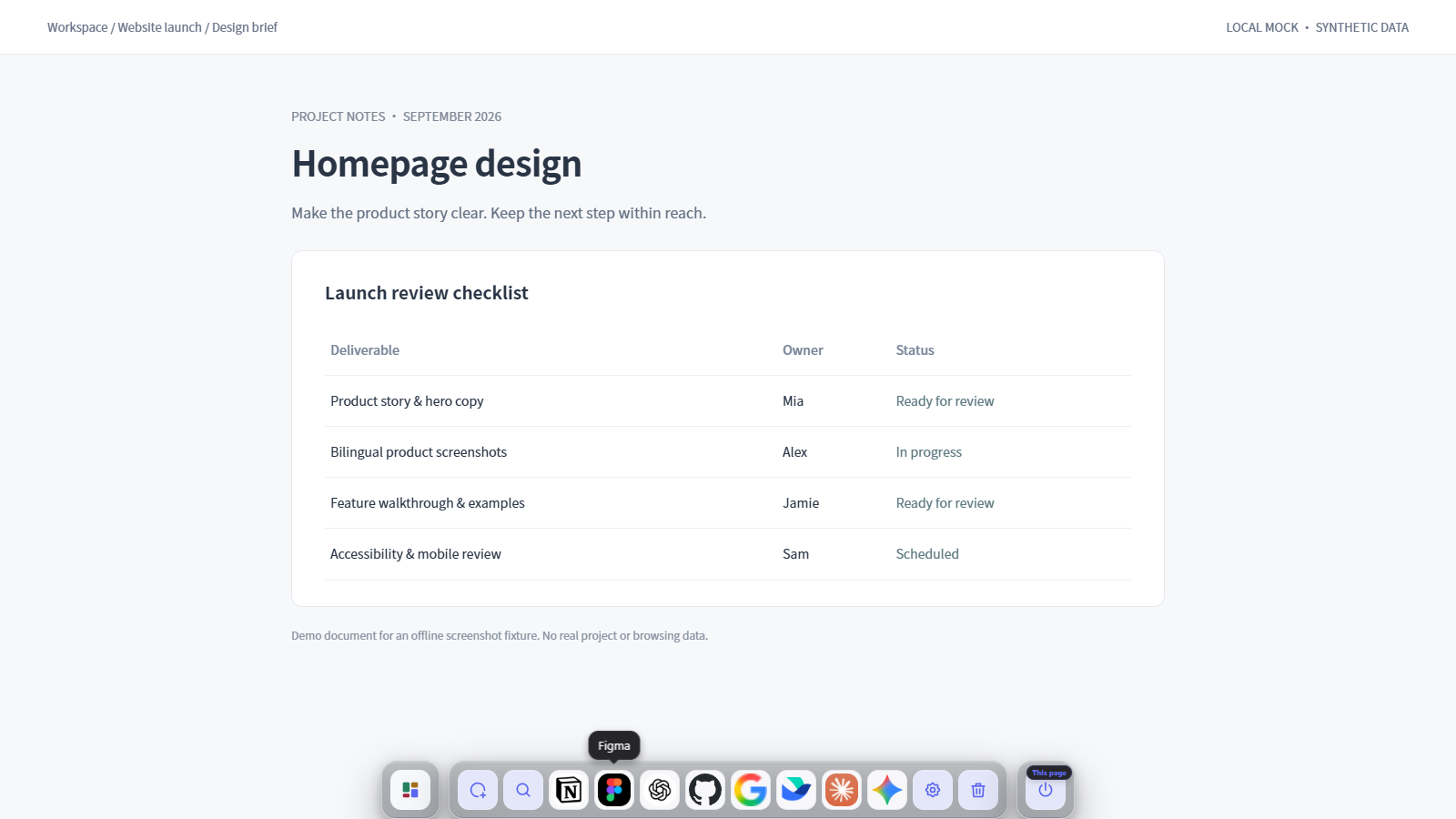
Find one page faster, or resume the whole task in one step.