Is this the same as restoring Chrome's last session?
No. Chrome session restore can reopen the previous browser state. TabToTask focuses on task-sized sets, so you can resume one piece of work without reopening everything else.
TabToTask tab management guide
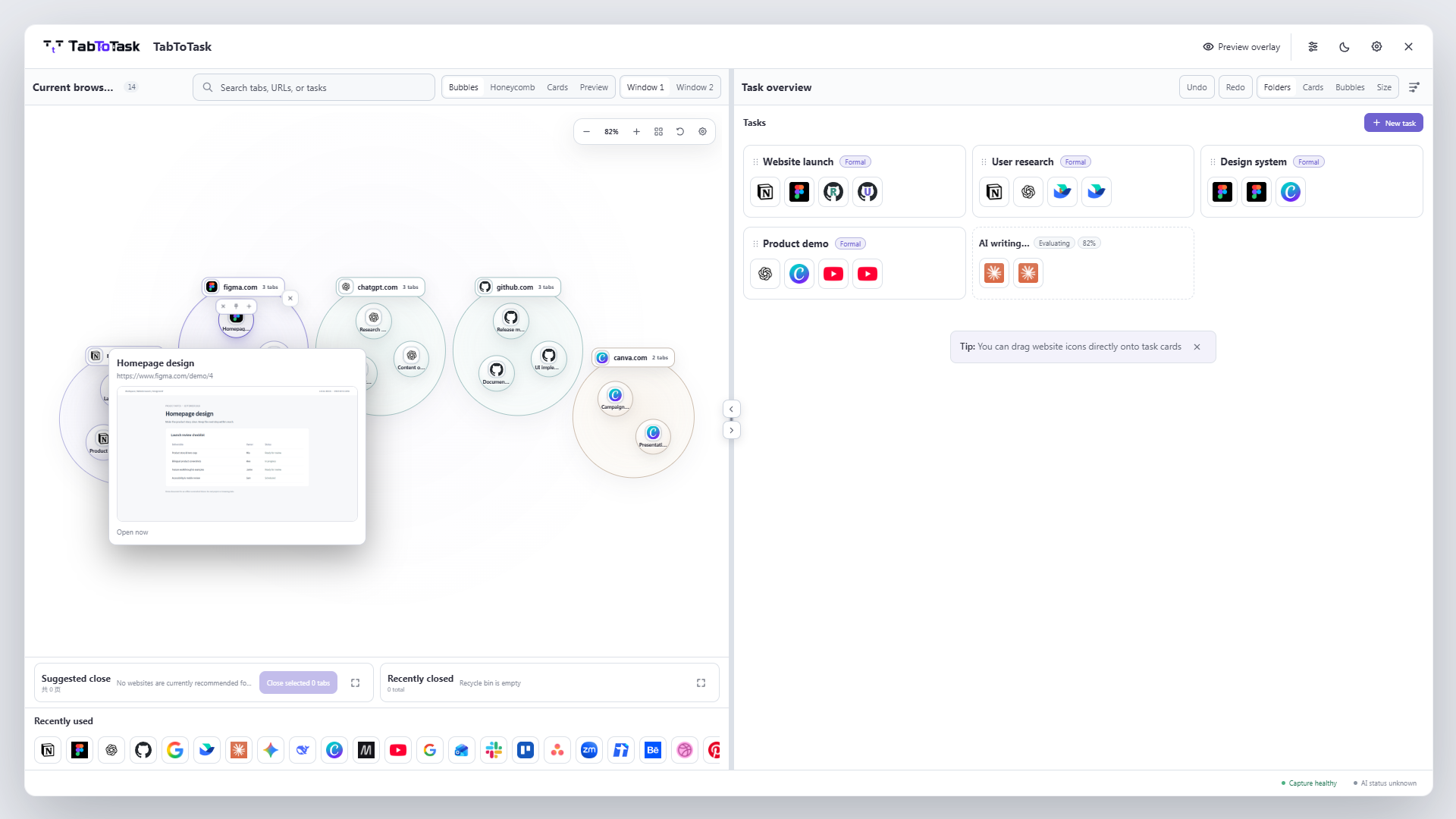
A useful tab session is more than a list of URLs. TabToTask keeps the pages for each piece of work together, so you can pause a task and reopen the whole working set when you are ready to continue.
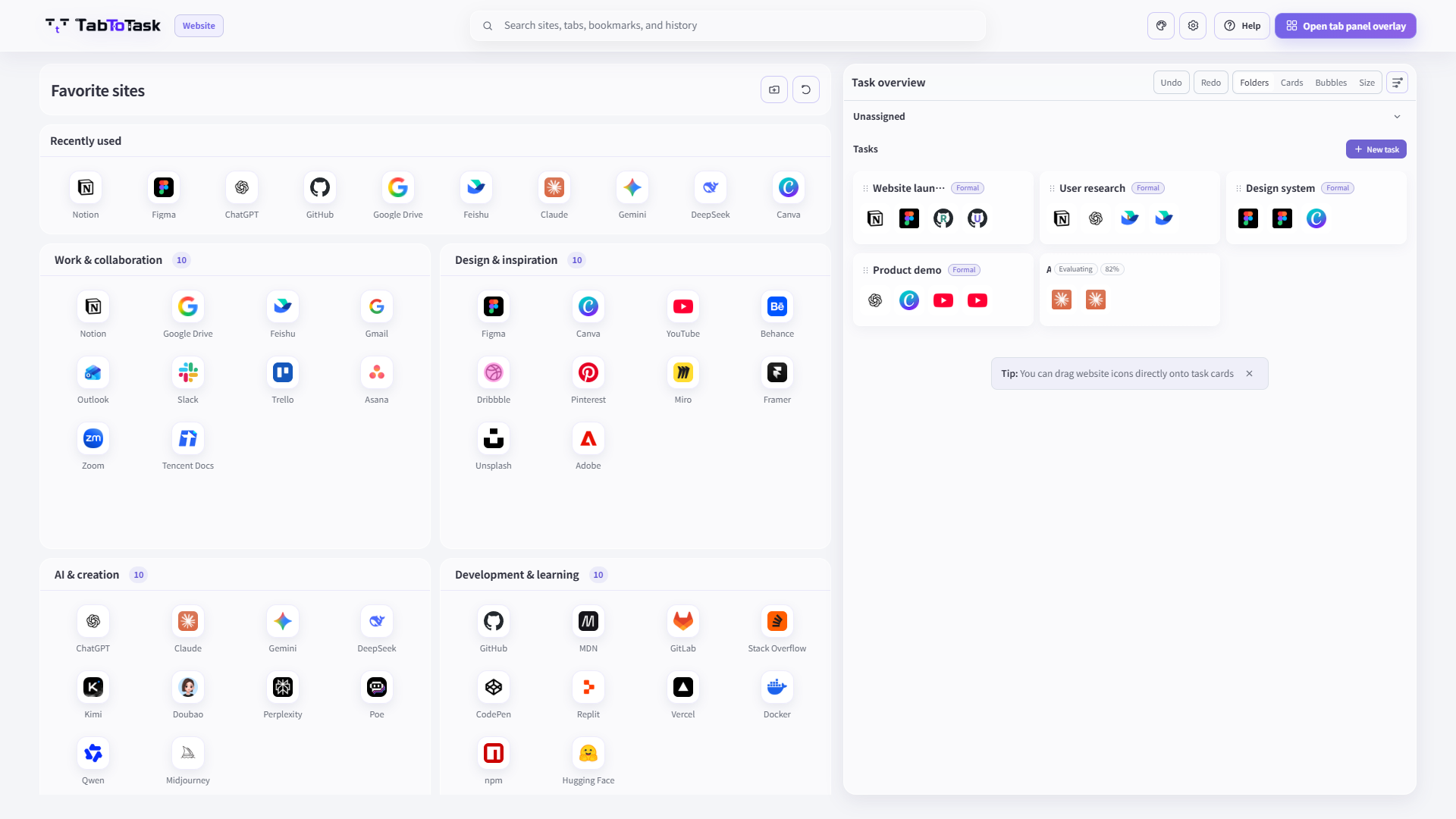
Restoring every tab from every window brings back the clutter as well as the useful pages. A task-based session keeps client work, research, planning, and personal browsing separate, so you can resume only the set you need.
Group the email, documents, research, and tools that support one outcome in the same task card.
Keep the task as a recognizable set instead of relying on a crowded browser window as your only reminder.
When you return, reopen the task's pages together rather than searching for each URL again.
How the product carries this work
TabToTask keeps the current browser context visible, then gives you a calmer place to decide what to open, keep, or continue next.
No. Chrome session restore can reopen the previous browser state. TabToTask focuses on task-sized sets, so you can resume one piece of work without reopening everything else.
Yes. Task cards are useful both for finding one page and for reopening the whole set.
No. Core task and tab management is local-first. Optional AI is an enhancement, not a requirement for saving and resuming work.
Find one page faster, or resume the whole task in one step.